
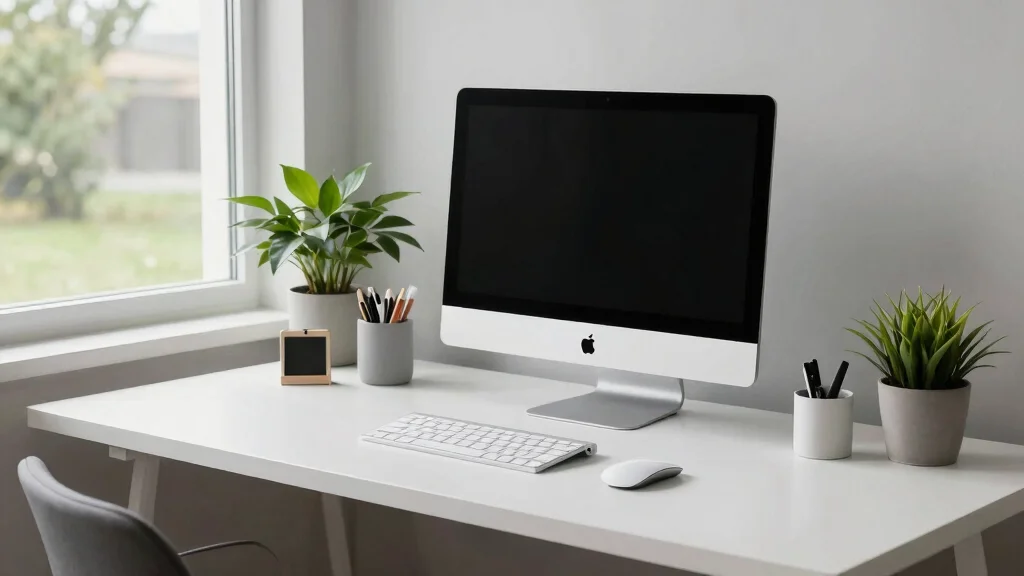
Creating a clean and minimal Apple desk setup is not just about aesthetics; it’s about enhancing your productivity and creating a space that inspires you. With so many of us working from home, the desire for an organized and visually appealing workspace has never been more critical. You might find yourself craving a serene environment where you can focus, create, and thrive. That’s why I put together this guide. It’s packed with ideas that will help you transform your desk into a clean, minimal, and functional area that caters to your needs, especially if you rely on Apple products.
If you’re a remote worker who values style and functionality, this post is for you. You care about your environment, and you want it to reflect your personality while keeping distractions at bay. From finding the perfect desk accessories to maximizing space with clever organization tips, this guide has something for everyone. You’ll discover 17 unique Apple desk setup ideas that embody simplicity, elegance, and efficiency. Let’s dive in and explore how you can achieve the stylish office setup you’ve always wanted.
Your workspace should be a reflection of who you are while also serving as an effective platform for your work. In this post, you will find inspiration and practical solutions to achieve a clean workspace. Whether you’re looking to incorporate plants, choose the right desk chair, or manage those pesky cables, these ideas will help you create an inviting atmosphere. Say goodbye to clutter and hello to a minimalist haven that encourages creativity and focus!
Key Takeaways
– Discover 17 stylish Apple desk setup ideas that enhance both aesthetics and functionality, making your workspace inviting and efficient.
– Learn how to incorporate elements like minimalist desk decor and harmonious color palettes to create a visually pleasing environment.
– Explore practical solutions for Apple accessories organization, ensuring your space remains tidy and clutter-free.
– Find out the best desk plants and lighting options that add freshness and warmth to your workspace, promoting well-being.
– Get tips on personalizing your setup with art and seasonal decor touches that resonate with your unique style and inspiration.
1. The Dual Monitor Dream
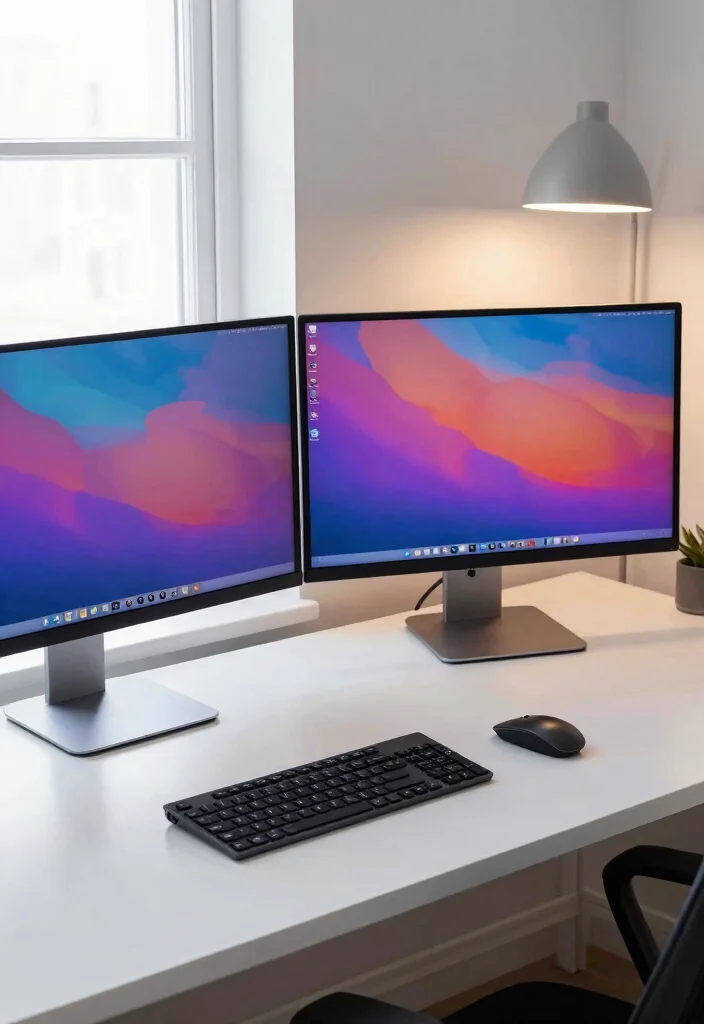
Creating a dual-monitor setup can greatly enhance your productivity while showcasing your Apple devices in a stylish way. The combination of two sleek displays not only facilitates multitasking but also adds a modern touch to your workspace. Positioning the monitors at eye level and using a cohesive monitor stand helps maintain a clean and organized look.
For optimal implementation, consider using cable management solutions to keep your workspace tidy and a desk pad to unify the overall aesthetic. This setup aligns with the trend of minimalism, inviting focus and calm into your work environment.
Consider these elements for a polished dual-monitor experience:
– Keep your monitors at eye level to promote good posture.
– Use a consistent color palette for your accessories to maintain a clean look.
– Personalize with calming artwork that doesn’t overwhelm the setup.
This approach not only enhances functionality but also elevates the overall aesthetic of your workspace by promoting a sense of harmony.
How To Choose The Right Apple Desk Setup
Choosing the perfect Apple desk setup can greatly enhance your productivity and style. Here are some key criteria to consider when picking the right elements for your workspace:
1. Desk Size
Your desk should fit both your space and your needs. Measure the area where you’ll place it to ensure it doesn’t overwhelm the room or restrict movement. A good rule of thumb is to leave at least 3 feet of clear walkway around your workspace. A desk that is too small can lead to clutter, while one that’s too large may make the space feel cramped.
2. Material
The material of your desk significantly impacts its aesthetic and functionality. Wooden desks offer warmth and durability, while metal desks can lend a modern feel. If you prefer a minimalist vibe, consider a glass-top desk. Remember to think about how the material complements your Apple devices. A cohesive look boosts the overall appeal of your setup.
3. Cable Management
A clean workspace is essential for focus. Choose a desk that has built-in cable management features like grommets or trays. This helps you keep cords organized and out of sight. You can also use cable clips or sleeves to maintain that sleek look. A tidy desk not only looks better but can also improve your workflow.
4. Ergonomics
Ergonomics are crucial for your comfort and health. When selecting your desk, ensure it allows for proper posture while you work. Ideally, your elbows should be at a 90-degree angle when typing. Consider also the height of your monitor. If you work long hours, investing in an adjustable desk can be beneficial.
5. Aesthetic Appeal
The look of your desk setup can influence your mood and productivity. Consider a color palette that aligns with your style. Use elements like minimalist desk decor or stylish Apple accessories to enhance the aesthetics. A cohesive design not only makes your workspace inviting but can also inspire creativity.
6. Accessories and Organization
Think about what accessories will enhance your setup. Personalized organizer trays and a minimalist desk calendar can keep you on track while adding to the decor. Look for functional accessories that are also stylish. These little touches can make a big difference in how organized and motivated you feel.
Pro Tip: Before you make any purchases, visualize your ideal workspace. Create a mood board or list of features that inspire you. This will help ensure that your Apple desk setup not only looks good but works for you. Happy decorating!
2. Minimalist Floating Shelves
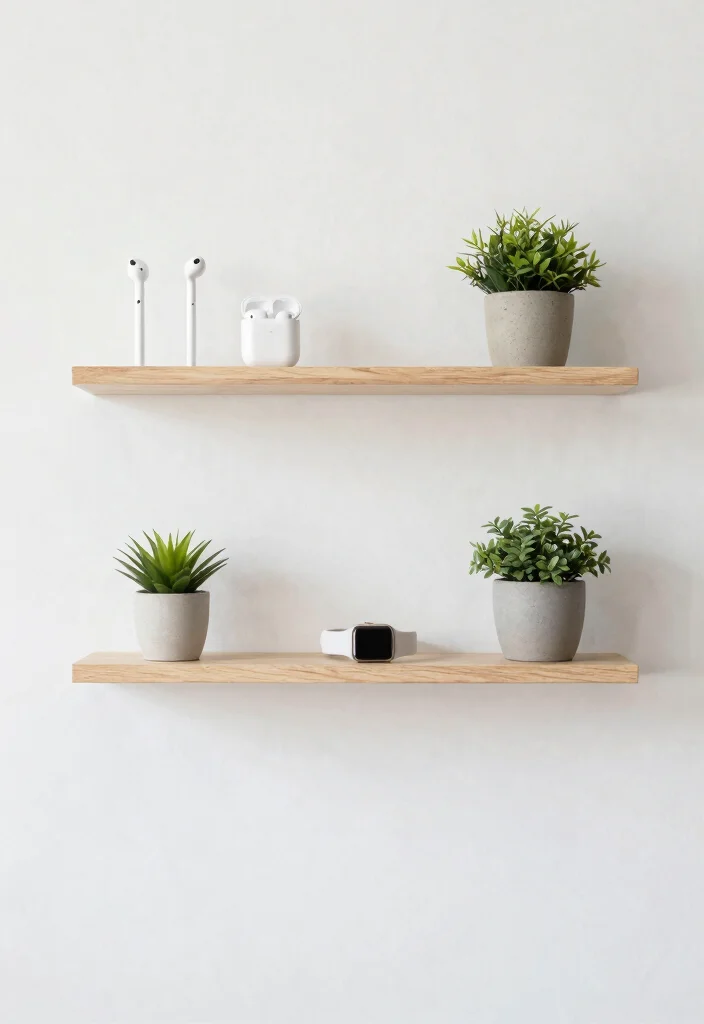
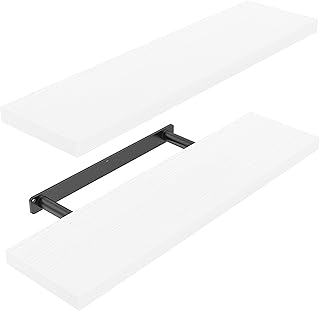
Floating shelves are an excellent way to showcase your essential Apple accessories while keeping your desk clutter-free. They not only save space but also enhance your decor with a clean, modern appearance. Opt for light wood or white finishes that resonate with a minimalist vibe, creating a seamless integration of style and functionality.
For a practical touch, use simple baskets or organizers on the shelves to maintain an airy feel. Incorporate framed photos or artwork to add character without overwhelming the space.
Here are some tips for effective shelf styling:
– Group accessories by color or function.
– Keep shelves below eye level to prevent a crowded look.
– Maintain a balance of decorative and functional items.
This setup not only organizes your space but also enhances the visual appeal, making your workspace feel more inviting.
Minimalist Floating Shelves
Editor’s Choice




3. White and Wood Combination
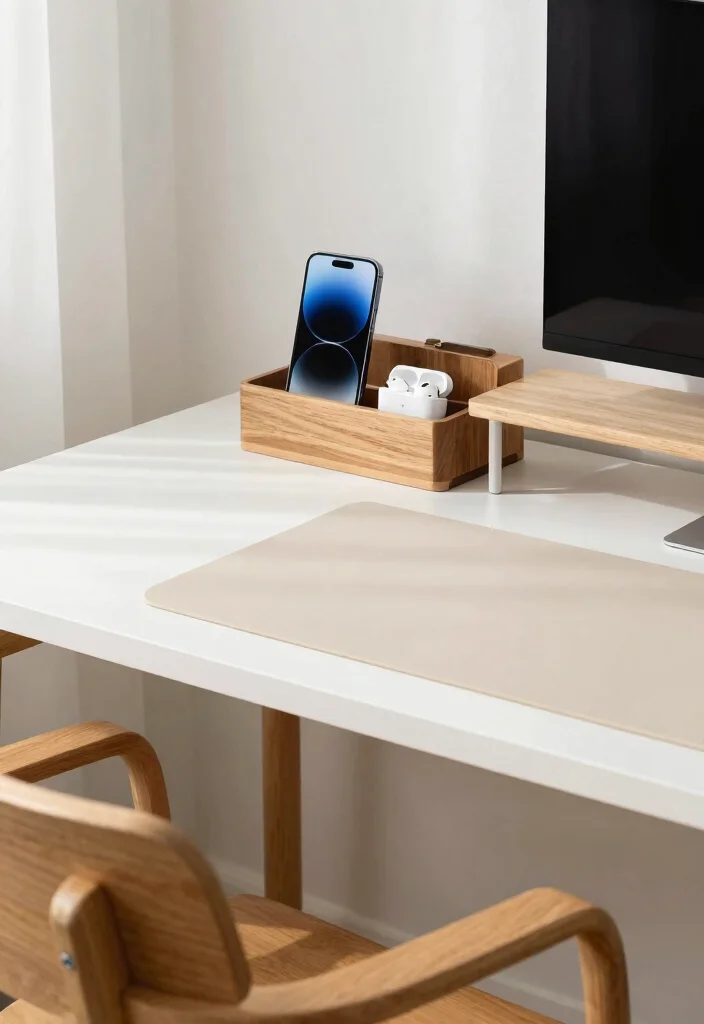
A combination of white desks and natural wood accents creates a serene and inviting workspace. The contrast between the crispness of white and the warmth of wood draws attention and fosters a welcoming atmosphere. Incorporating a wooden desk organizer for your Apple accessories not only keeps everything in place but also enhances the overall aesthetic of your setup.
To enhance this design, choose a light-colored wooden chair paired with a soft gray or cream desk pad that adds texture while protecting your surface. This combination supports the trend of blending nature with modern design elements.
Consider these ideas to maximize this look:
– Choose a minimalist design for your desk to maintain a clean aesthetic.
– Use natural light as much as possible to keep the workspace bright.
– Consider accentuating the wood with metal accents for a contemporary touch.
This approach creates a harmonious balance that enriches your workspace, making it a pleasant environment for creativity and productivity.
White desks with natural wood accents feel calmer—try a wooden desk organizer for Apple accessories. A light-colored chair and a soft gray desk pad add texture, making your apple desk setup both inviting and practical for remote work.
White and Wood Combination
Editor’s Choice


4. Desk Plants for Freshness
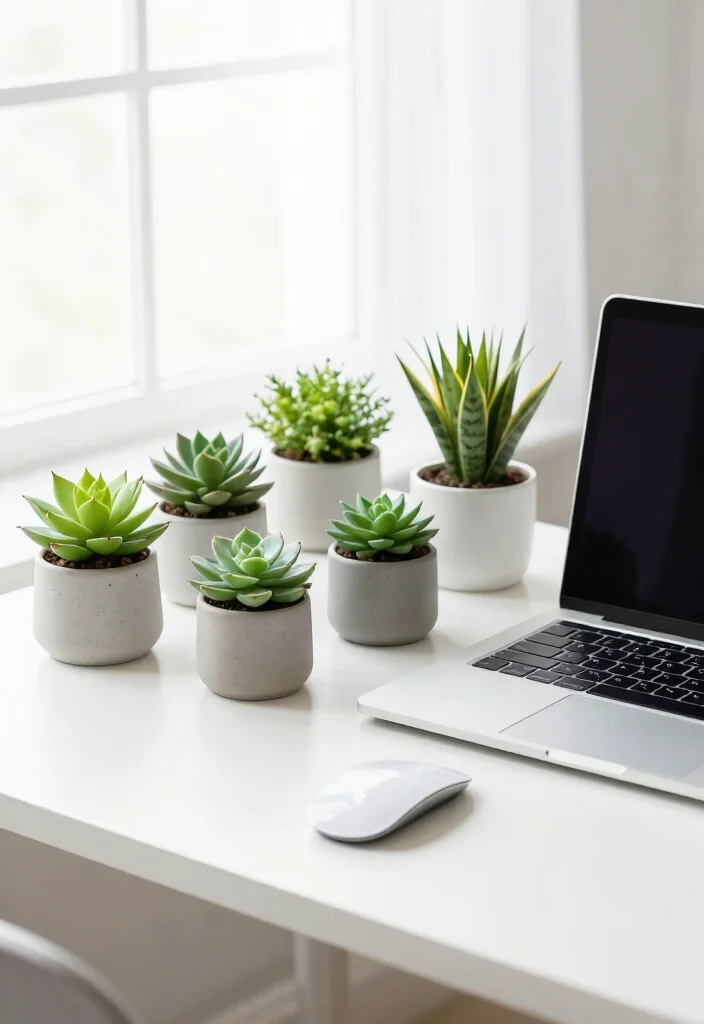
Incorporating greenery into your Apple desk setup instantly breathes life into the space and enhances your mood. Low-maintenance plants like succulents or snake plants are ideal for adding a touch of nature without overwhelming the area. Choose simple pots that align with your decor style, such as sleek ceramics or minimalist terrariums, to maintain a cohesive look.
These green elements can elevate your workspace, ensuring it remains uncluttered and inviting. By regularly rotating your plants for optimal light exposure, you can keep them thriving and visually interesting.
Here are some tips for integrating plants effectively:
– Group plants of different heights for visual interest.
– Ensure plants are in lightweight pots for easy movement.
– Choose pots that match or complement your workspace color scheme.
This addition not only enhances your desk’s aesthetics but also promotes a healthier work environment.
5. Elegant Cable Management Solutions
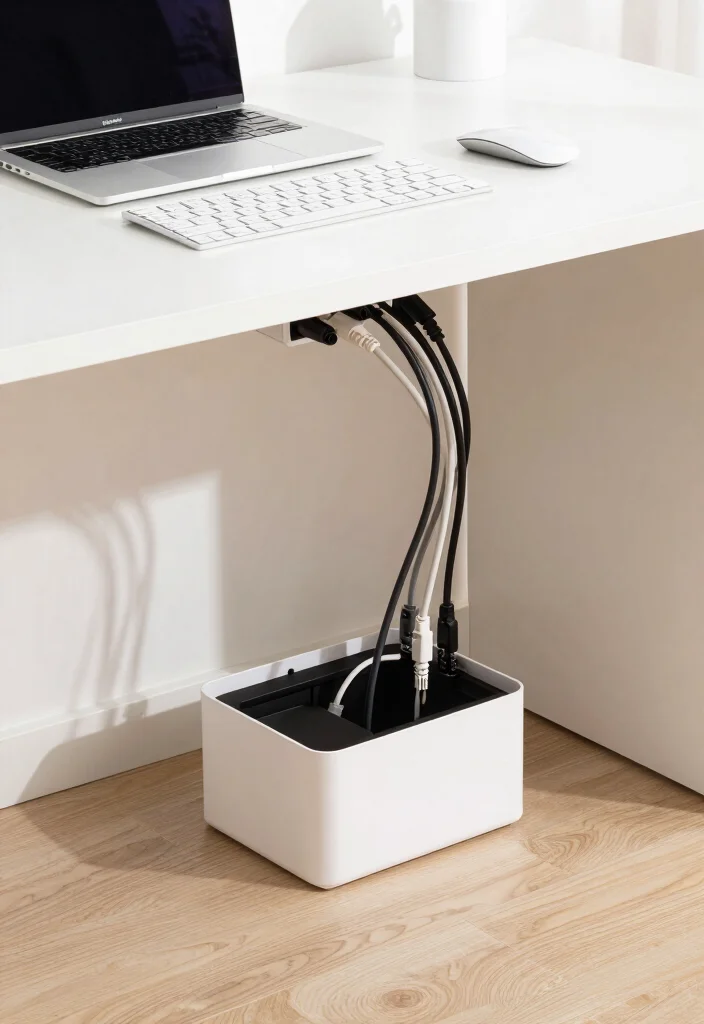
Managing cables is crucial for maintaining a clean and minimalistic Apple desk setup. Investing in effective cable management solutions can significantly enhance the visual appeal of your workspace. Use products like cable sleeves or clips to keep cords organized and hidden from view, creating a seamless look.
Creating a cable box can also help conceal extensions and wires, ensuring your desk remains tidy. This approach reflects the current trend of minimalism, which emphasizes simplicity and organization.
Consider these suggestions for effective cable management:
– Use adhesive clips to guide cables along the backside of your desk.
– Choose wires that blend in with your desk color to maintain minimalism.
– Avoid using too many cables; go for wireless accessories whenever possible.
This attention to detail not only declutters your space but also enhances the overall aesthetic, allowing your Apple devices to shine.
Fun fact: 68% of remote workers report sharper focus after tidying cables. In your apple desk setup, use cable sleeves or clips to hide cords and a cable box to conceal extensions. That minimal clutter leads to a calmer workflow.
6. Minimalist Desk Accessories
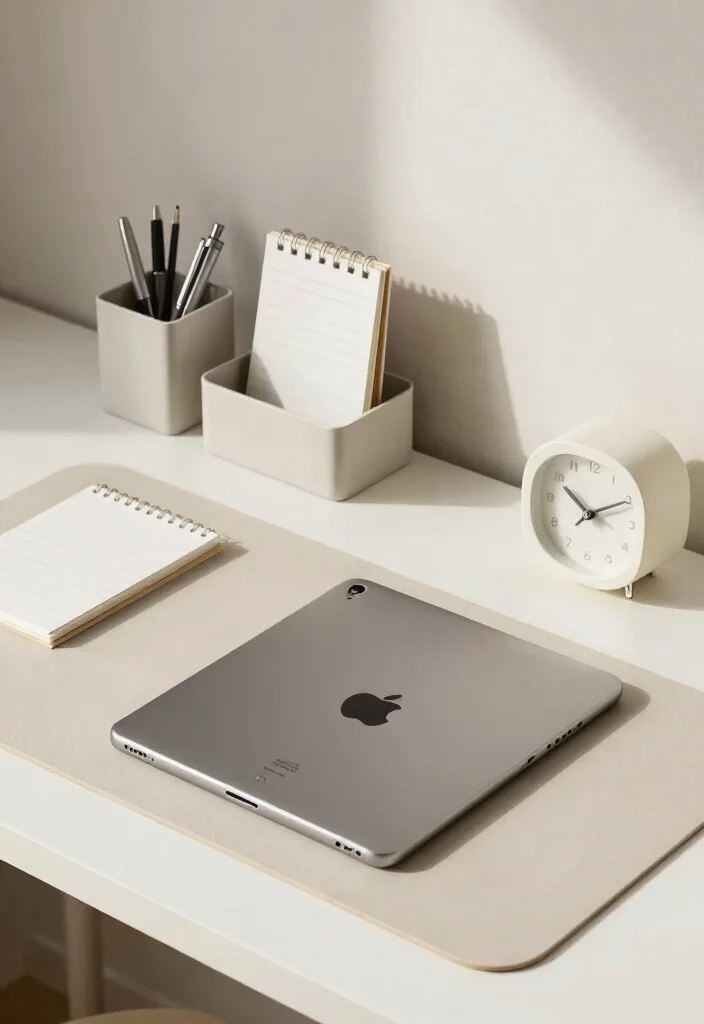
To keep your Apple desk setup organized, opt for minimalist accessories that blend style with functionality. Use sleek desk organizers made from materials like metal or wood to store essentials while maintaining an uncluttered look. The focus should be on limiting accessories to what you truly need, allowing your Apple devices to take center stage.
A small clock or a simple picture frame can add a personal touch without overcrowding your workspace. This approach aligns with the minimalist design philosophy, emphasizing simplicity and elegance.
Here are some practical tips:
– Stick to a monochromatic color scheme to maintain a clean look.
– Regularly clean and declutter to ensure only essential items remain.
– Choose items that align with your personal style without overwhelming the space.
This careful curation of accessories not only enhances functionality but also contributes to a serene and attractive workspace.
Minimalist Desk Accessories
Editor’s Choice


7. Harmonious Color Palette
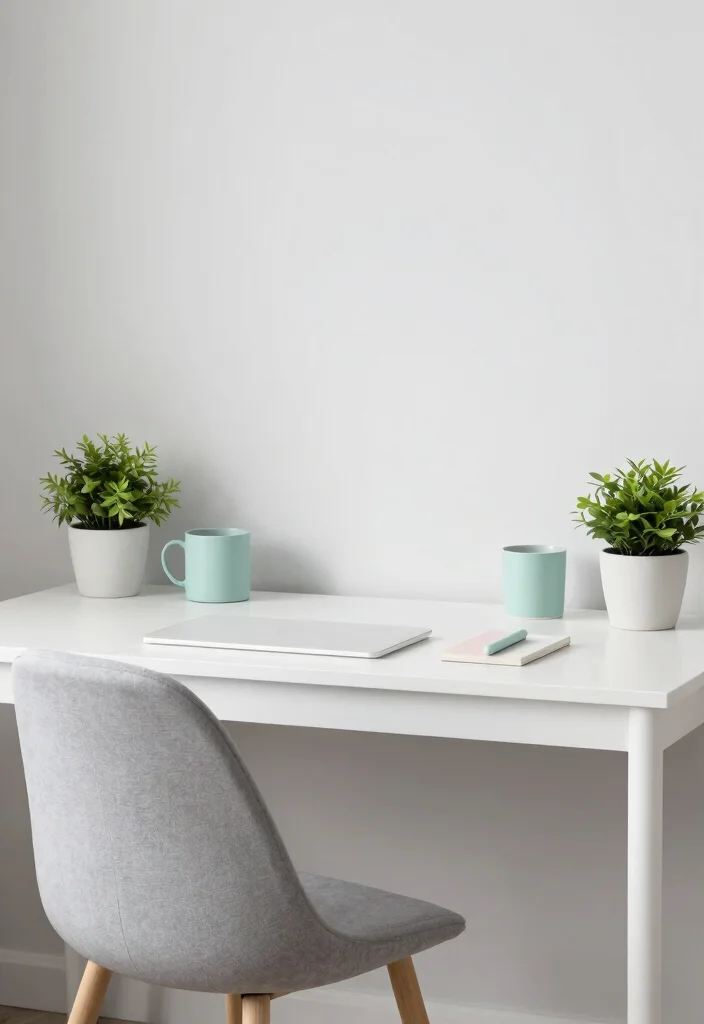
A cohesive color palette can significantly elevate your Apple desk setup. Selecting colors that complement your devices, such as whites, grays, and soft pastels, creates a serene environment conducive to focus and creativity. Incorporate these shades in your desk accessories, plants, wall art, and even your chair for an integrated look.
This uniformity enhances the overall aesthetic, making your workspace feel calm and inviting. Experimenting with different shades of the same color can add depth without compromising the minimalist vibe.
Consider these tips for effective color integration:
– Experiment with textures to keep things interesting while maintaining the color scheme.
– Avoid using too many colors to keep the minimalistic vibe intact.
– Use accent colors sparingly to highlight specific areas of your workspace.
This thoughtful approach to color creates a harmonious atmosphere that supports productivity and well-being.
Keep it simple with a harmonious color palette: whites, grays, and soft pastels. In your apple desk setup, carry shades across accessories, plants, wall art, and even your chair to craft a calm, focused workspace.
8. Personal Touches with Art
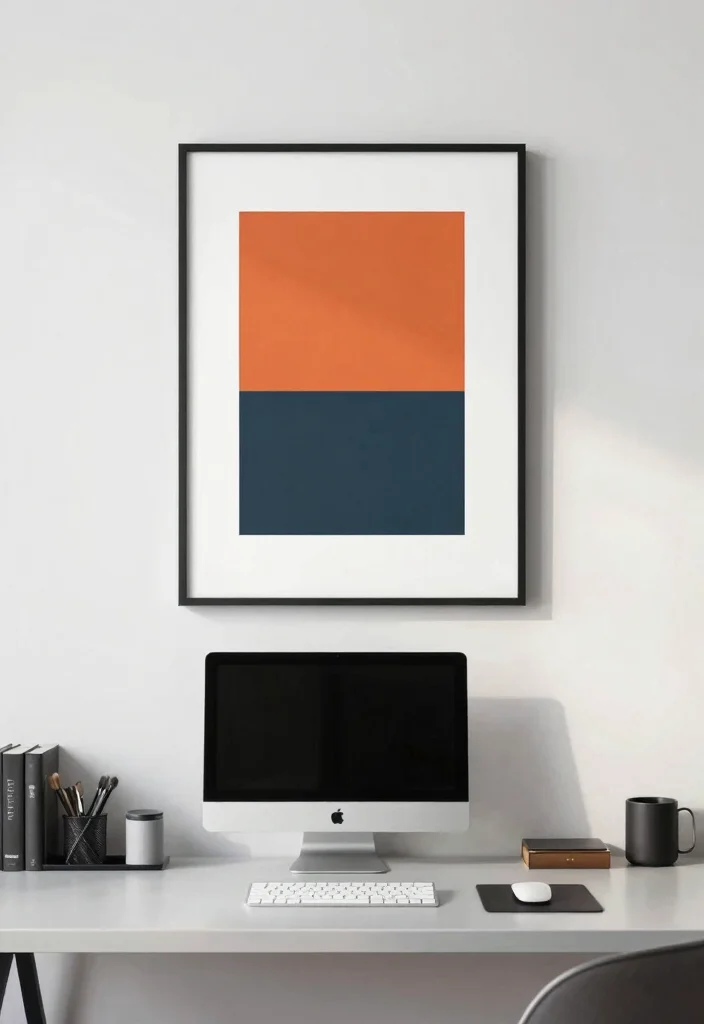
Incorporating art into your Apple desk setup adds a unique personal touch that reflects your personality. Opt for a single statement piece or create a small gallery wall that inspires you. Ensure the artwork complements your color palette, enhancing the overall aesthetic without detracting from the minimalist theme.
Consider framed prints or canvas pieces, and even a small bookshelf to display your favorite books artistically. This thoughtful addition fosters a creative atmosphere while keeping the space organized.
Here are some tips for integrating art:
– Keep the art minimal, focusing on one or two pieces that resonate with you.
– Use simple frames that align with your desk’s style.
– Hang art at eye level to create an inviting experience.
This approach enriches your workspace, making it not only functional but also deeply personal.
9. A Functional Writing Space

Designing a functional writing space within your Apple desk setup encourages creativity and productivity. Carve out a dedicated area for jotting down notes or brainstorming ideas, using a quality notebook and a stylish pen that fits neatly in a desk organizer. This area should remain organized, emphasizing functionality without cluttering your workspace.
Consider adding a corkboard or a whiteboard for notes that can be easily updated and removed, keeping your ideas fresh and visible.
Here are some useful tips:
– Create a distinct spot for your writing tools to keep them handy.
– Avoid over-personalizing this space to maintain a clean look.
– Choose a notebook that reflects your style while staying simple.
This careful arrangement not only enhances productivity but also contributes to a visually appealing workspace.
10. The Perfect Desk Chair
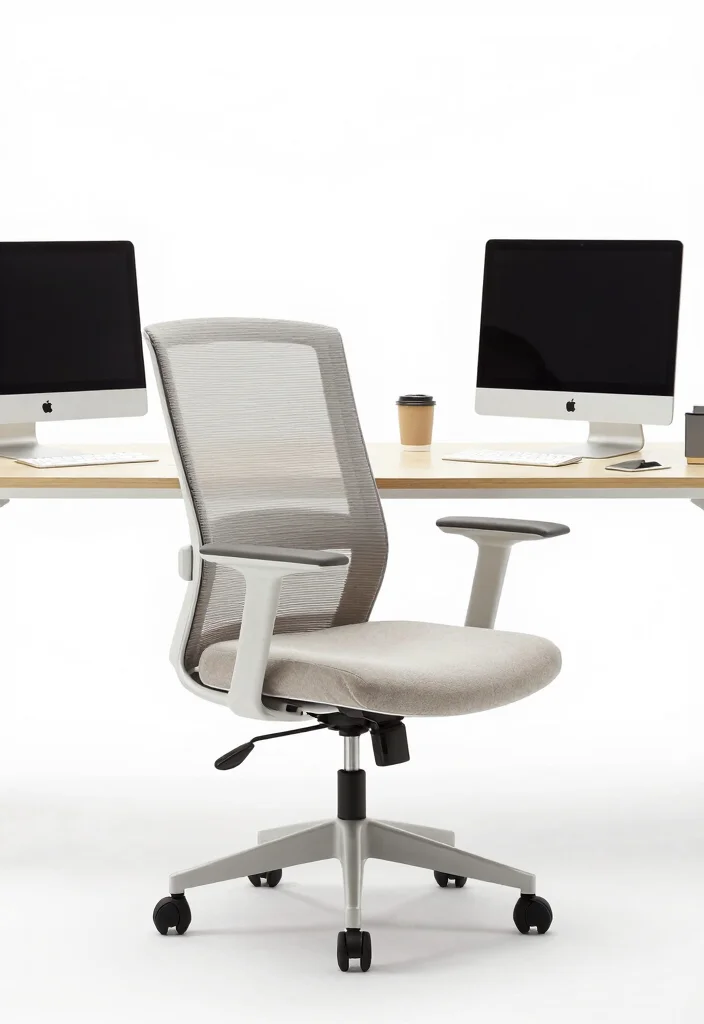
Your desk chair is key to both comfort and the overall aesthetic of your workspace. Choose an ergonomically designed chair that aligns with the minimalist style of your Apple setup, opting for neutral colors that seamlessly blend with your desk. Avoid bulky or overly colorful chairs that could disrupt the clean look.
Consider adding a simple cushion for extra comfort, enhancing your seating experience without compromising style.
Here are some tips for selecting the right chair:
– Invest in a chair that provides back support to enhance comfort over long work hours.
– Choose a chair with wheels for flexibility, keeping the setup practical.
– Avoid too many decorative elements on the chair to maintain clarity in the design.
This attention to detail ensures that your workspace remains both functional and aesthetically pleasing.
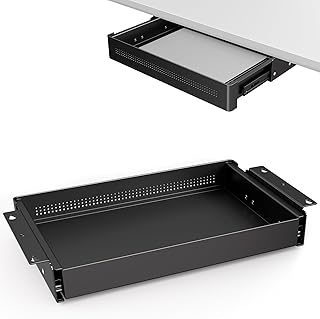
11. Under-Desk Storage Solutions
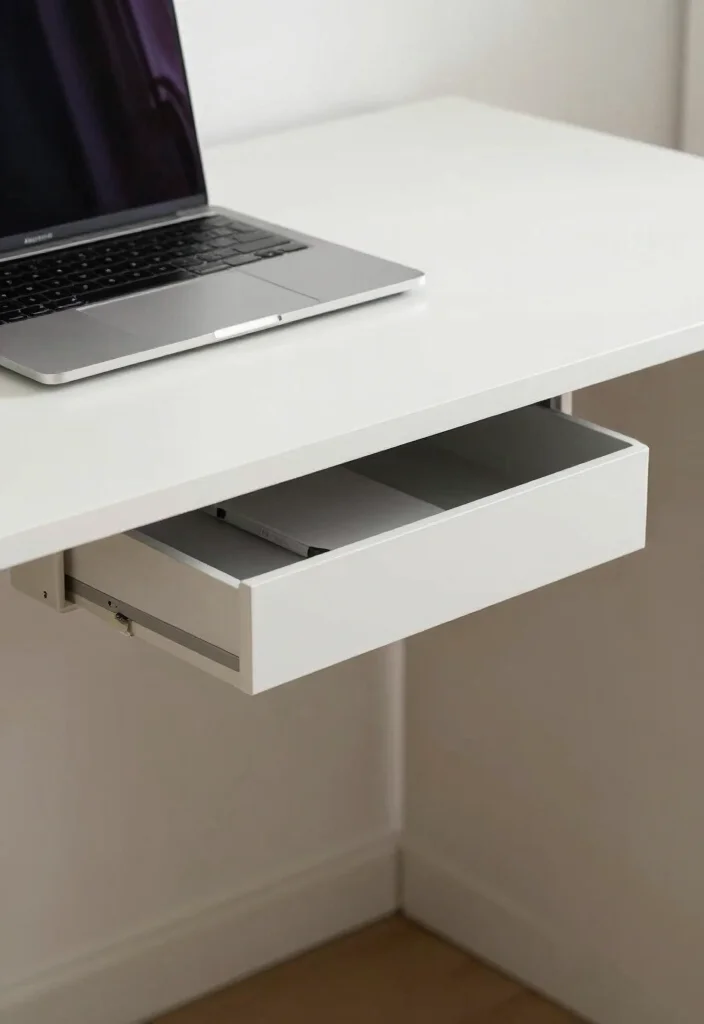
Maximizing your workspace without cluttering the desktop can be achieved through under-desk storage solutions. Utilize drawers or bins that can slide under your desk to store items you need but want to keep out of sight. Choose sleek designs that match your desk’s color, enhancing the overall look while ensuring organization.
This approach keeps everything easily accessible while maintaining a clean and open workspace.
Here are some practical tips:
– Label storage bins for easy access.
– Make sure you can easily slide in and out the storage solutions.
– Opt for transparent containers for a modern feel.
This strategy not only declutters your space but also contributes to a polished and inviting work environment.
Under-Desk Storage Solutions
Editor’s Choice




12. Soft Lighting Options
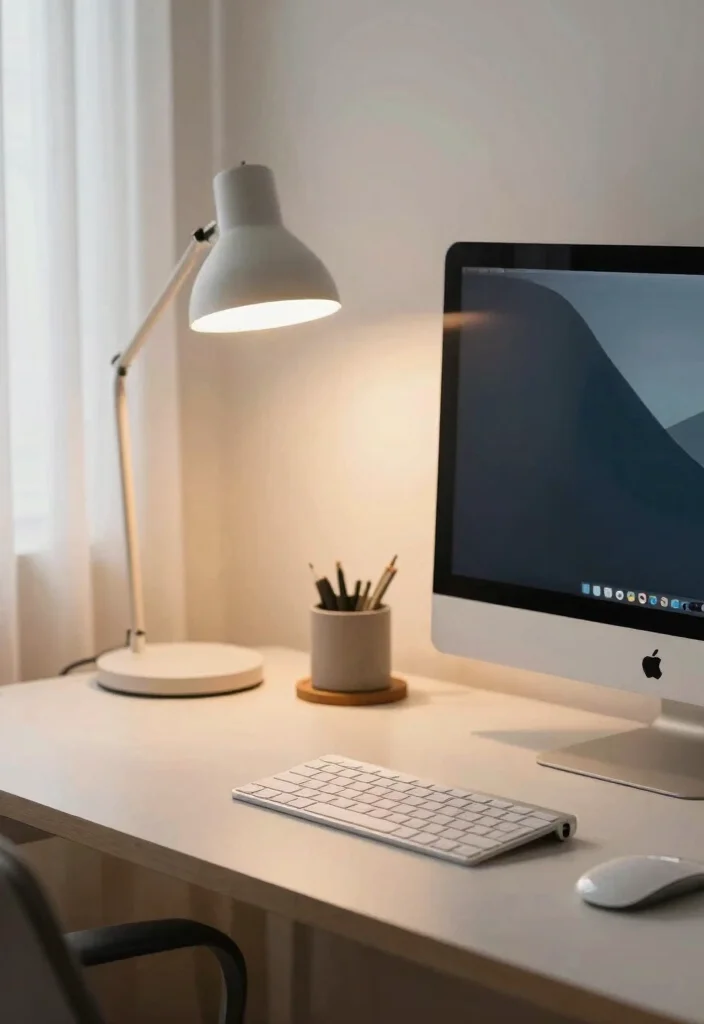
Soft lighting can transform your Apple desk setup from merely functional to inviting and cozy. Consider stylish desk lamps equipped with warm light bulbs that create a welcoming atmosphere, perfect for late-night work sessions. Alternatively, string lights or LED strips can infuse personality and warmth into your space without overcrowding your desk.
Focus on minimal designs that enhance the overall aesthetic rather than overpower it.
Here are some tips for effective lighting:
– Use a lamp with adjustable brightness to suit various times of day.
– Choose lights that do not flicker to ensure a pleasant work environment.
– Keep cords tidy to maintain the clean look.
This thoughtful approach to lighting enhances your workspace’s comfort and functionality, making it a more enjoyable place to work.
13. Personalized Organizer Trays
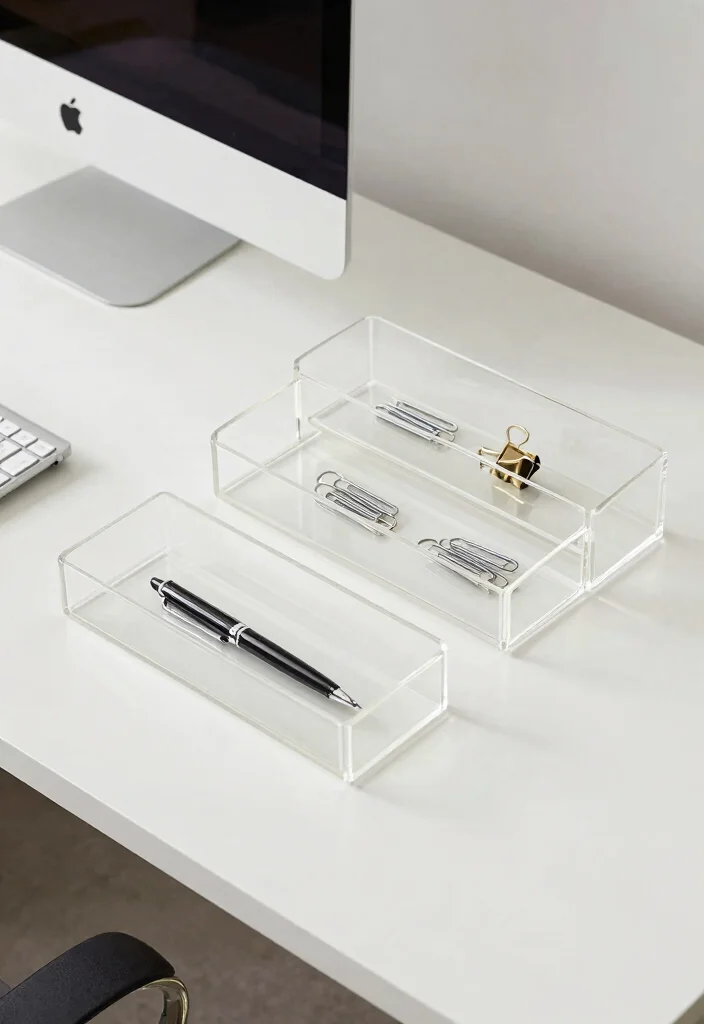
Designating a specific spot for every item is essential for a clean desk setup, and personalized organizer trays can help achieve this. Select trays made from wood or acrylic that reflect your style, keeping small items like paper clips, sticky notes, or your Apple Pencil neatly stored. The goal is to ensure everything is easily accessible yet stylishly organized.
Group similar items together to maintain an orderly appearance, avoiding clutter and promoting efficiency.
Here are some tips for effective organization:
– Opt for trays that stack for additional efficiency.
– Consider using clear trays for a more modern touch.
– Regularly assess the contents to prevent clutter.
This approach not only organizes your workspace but also enhances its visual appeal, making it more inviting.
14. A Minimalist Desk Calendar
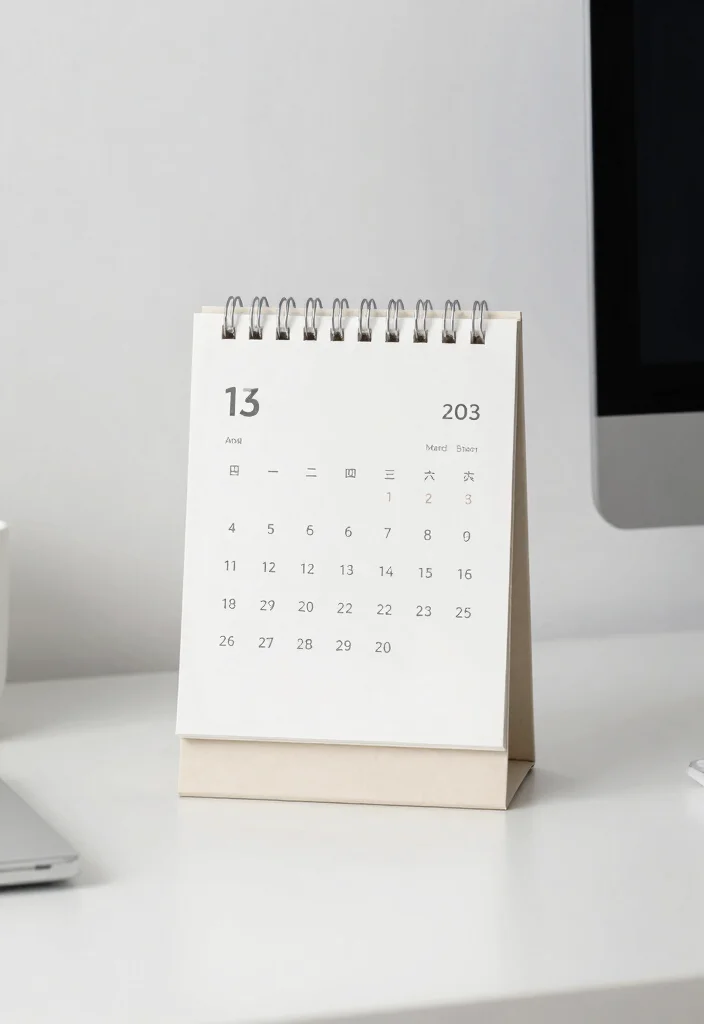
A desk calendar can provide functional elegance without taking up much space. Opt for a minimalist design, either wall-mounted or a simple stand on your desk, to keep track of important dates. Choose neutral tones that match your workspace color scheme, ensuring the calendar enhances rather than detracts from your decor.
This thoughtful integration allows for easy planning while enhancing the overall aesthetic of your workspace.
Here are some useful tips:
– Regularly update it to avoid a cluttered, dated appearance.
– Pick a calendar that fits your desk space without overwhelming it.
– Use a calendar with enough space for notes to stay functional.
This addition not only keeps you organized but also complements your minimalist setup beautifully.
15. Incorporating a Vision Board
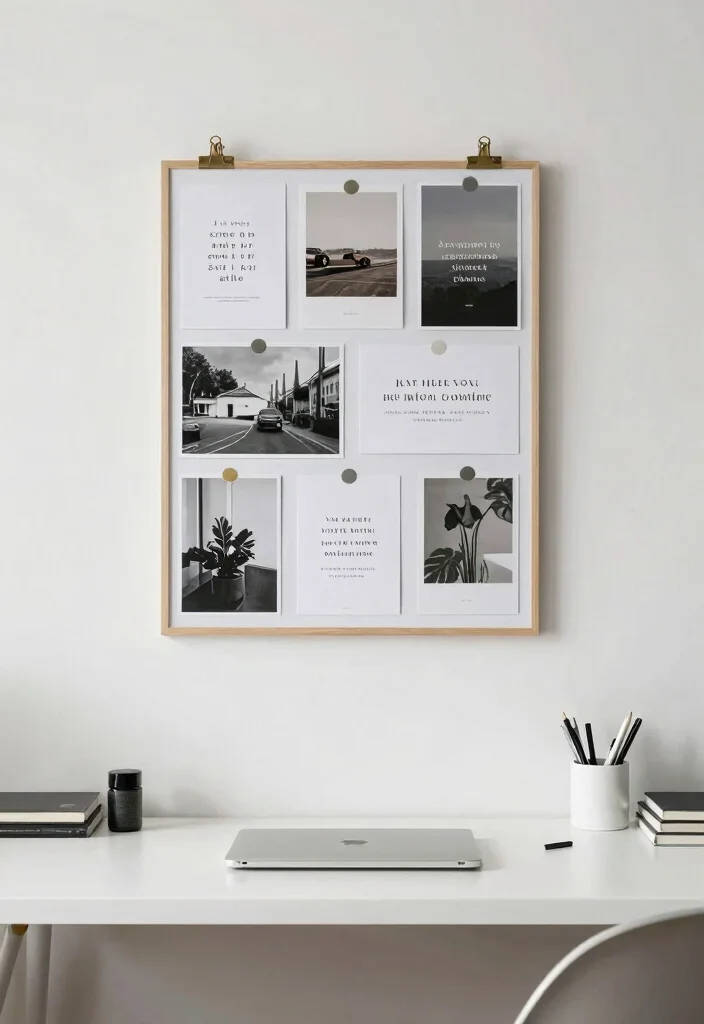
Vision boards can serve as a source of motivation while adding a personalized touch to your Apple desk setup. Instead of a traditional corkboard, consider sleek magnetic or frame-style boards that align with your minimal aesthetic. Use it to display inspirational quotes, goals, or images that resonate with you, ensuring your workspace reflects your aspirations.
This thoughtful integration keeps your workspace focused and stylishly organized.
Here are some tips for creating an effective vision board:
– Use clips or magnets that match your desk decor.
– Keep the board updated for freshness.
– Avoid overcrowding it to maintain a minimalist vibe.
This approach enhances your workspace, making it not only functional but also deeply personal.
16. Seasonal Decor Touches

Refreshing your workspace decor with simple seasonal touches can seamlessly enhance your Apple desk setup. Incorporate items like small vases filled with seasonal flowers or themed objects to add warmth and personality while keeping it minimal. Rotating decor every few months prevents overwhelming the space and keeps it feeling fresh.
This thoughtful approach makes your desk inviting year-round.
Consider these tips for seasonal decor:
– Store off-season decor neatly away to maintain a clean appearance.
– Choose decor that complements your existing color palette.
– Limit seasonal decor to ensure it remains minimalistic.
This seasonal touch not only keeps your workspace dynamic but also fosters a welcoming atmosphere.
Seasonal Decor Touches
Editor’s Choice


17. Focus on the Essentials

At the core of a clean and minimalist Apple desk setup is the focus on essentials. Limit yourself to only the tools you truly need for work, eliminating non-essential items. This practice not only keeps your workspace tidy but also enhances productivity by minimizing distractions.
Regularly evaluating your workspace ensures that everything on your desk serves a purpose, promoting a more efficient and effective environment.
Here are some tips for maintaining this philosophy:
– Regularly declutter to maintain this philosophy.
– Set a rule for every new item — one must go out.
– Choose multi-functional items whenever possible.
This approach fosters a clean and inviting atmosphere that encourages focus and creativity.
Conclusion
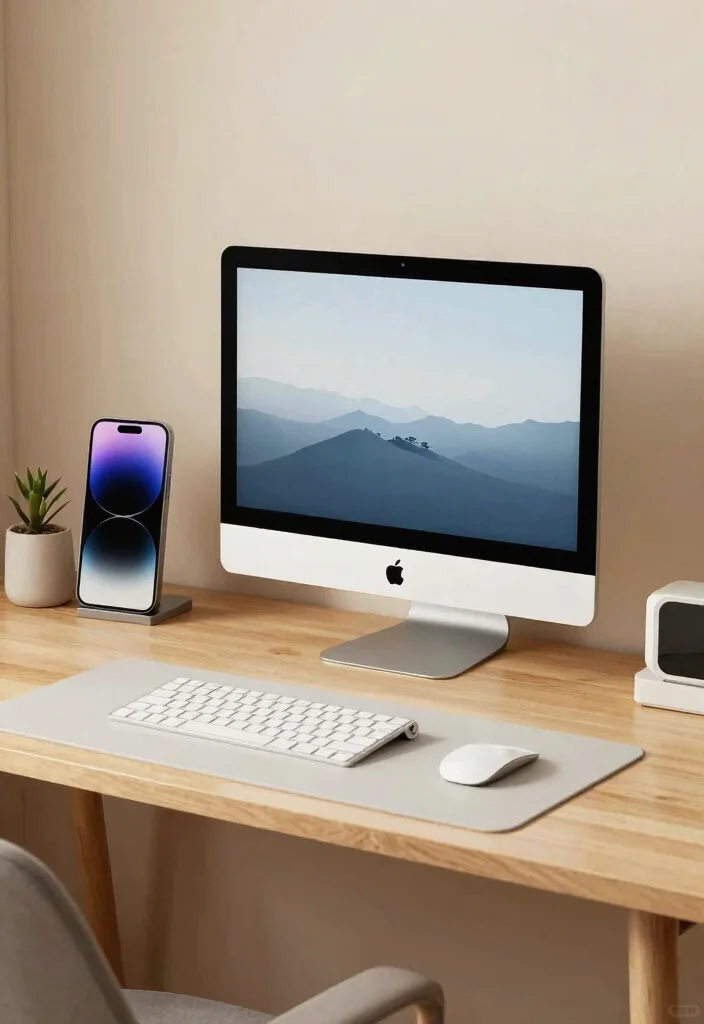
Crafting a clean and minimal Apple desk setup is all about balance, organization, and personal style.
With the right elements, you can create a workspace that is not only functional but also inspiring.
Remember to embrace the minimalist philosophy by keeping only what you truly need, and don’t forget to infuse your personality with simple decor touches. Happy decorating!
Note: We aim to provide accurate product links, but some may occasionally expire or become unavailable. If this happens, please search directly on Amazon for the product or a suitable alternative.
This post contains Amazon affiliate links, meaning we may earn a small commission if you purchase through our links, at no extra cost to you.
Frequently Asked Questions
What are the core elements of a clean and minimal Apple desk setup for remote work?
A clean and minimal Apple desk setup blends sleek hardware with clutter-free surfaces. Start with a neutral color palette, hide cables with a cable tray or under-desk concealer, and rely on wireless peripherals to reduce clutter.
Choose a single display (MacBook, iMac, or iPad as a secondary) and keep only essential items within reach to support a true apple desk setup and minimalist desk decor. Keep the space calm by using natural textures, a small plant or mat, and arranging cables so your Mac remains the visual focal point.
Finish with intentional placement and thoughtful accessories to sustain clean workspace inspiration throughout your remote workday.
How can I organize Apple accessories to maintain a minimalist desk?
Organizing Apple accessories starts with smart storage. Use a docking station or wireless charger to reduce visible cords, and tuck cables into a sleeve or under-desk tray.
Create a small dedicated tray for AirPods, Apple Pencil, and watch charger, and store less-frequently-used items in a drawer or labeled box. Add a slim vertical organizer or clear acrylic container to keep items accessible yet tidy. The goal is to keep only 2–3 frequently used Apple accessories on the desk for Apple accessories organization and a minimalist desk decor look.
What budget-friendly ideas help create a modern Apple desk setup without sacrificing style?
You don’t need to break the bank to achieve a modern desk ideas vibe. Keep the surface clean and add affordable upgrades like a simple monitor arm, a quality desk mat, cable management sleeves, and a discreet charging station. Look for second-hand or clearance options that fit your Apple aesthetic, and repurpose items like a wooden tray or stand to raise essentials while keeping the surface uncluttered. For clean workspace inspiration and a cohesive apple desk setup, stick to a restrained color palette and minimal decor.
What setup tips improve lighting and ergonomics for a stylish office setup with Apple devices?
Lighting and ergonomics matter as much as the hardware. Place your desk near a window for natural light and add a dimmable task lamp to control glare on screens. Keep your monitor at eye level using a stand or riser, and choose an ergonomic chair with adjustable height and good lumbar support. Route cables neatly and opt for a simple, unobtrusive layout to achieve a stylish office setup that still feels like clean workspace inspiration.
Which Apple accessories are must-haves for a tidy, organized desk and how should I store them?
Must-have Apple accessories include a docking station or USB-C hub, a MagSafe or wireless charger, a dedicated Apple Pencil or stylus stand, an AirPods charging case, and a slim cable organizer. Pair these with a small drawer or desk-side tray to coil and label cords. Store rarely used items out of sight to preserve a true minimalist desk decor while keeping the apple desk setup functional and stylish.
Related Topics
apple desk setup
minimalist desk decor
clean workspace
modern office ideas
Apple accessories
stylish workspace
remote work setup
organization tips
small space solutions
workspace aesthetics
decor inspiration
easy desk hacks